


The Magento 2 knowledge centre
Magento 2 guides for store owners, e‑commerce managers and the teams growing online sales. From the basics of the platform and working in the admin panel through to B2B, integrations, performance, security and developing Magento 2.
The material helps you understand the dependencies before you decide anything about a specific project.
Magento 2

Client
Magento 2 from the ground up – start here
The order worth learning the platform in: from what Magento 2 is, through the demo and the admin panel, to the cost and how an implementation runs.
- 01Magento 2 – what it is and what it is forWhat the platform is, which processes it serves and what makes choosing it sensible.Read the article
- 02Magento Open Source and Adobe CommerceTwo lines of the same platform: what the open one gives you and what the commercial one is paid for.Go to that section
- 03The Magento 2 demoAn open storefront and admin panel to test on your own, with no account needed.Open the demo
- 04How does the Magento 2 admin panel work?Catalogue, orders, customers, price rules and CMS content — on examples from the demo panel.See the panel walkthrough
- 05Which companies does Magento 2 suit?The situations that justify the platform, and the ones where something simpler wins.Go to that section
- 06What does Magento 2 cost?What the cost of the platform is made of: licence, build, hosting, maintenance and later development.Read the article
- 07What does a Magento 2 implementation look like?The stages of a project from choosing an agency to maintenance, along with what happens on the client's side.Read the article
Start with the basics
Magento 2 – what it is and what it is for
The article that opens the centre explains what Magento 2 is, which processes it can run, and what the sense of choosing the platform depends on. The starting point is the company's sales model, not the number of available features on their own.
The article is meant to help you put the basic concepts in order before a conversation with a vendor, a comparison of platforms, or the start of work on an implementation's scope.
In the article
- 01What is Magento 2?
- 02From installation to a working store
- 03The platform's main features
- 04Standard, module or custom code
- 05The technical state of an existing store
- 06Which e‑commerce does Magento 2 suit?
- 07B2C, B2B and D2C
- 08When a simpler platform wins
- 09How do the Magento 2 editions differ?
- 10What can Magento 2 integrate with?
- 11Is Magento free, and what does it cost?
- 12Magento 2 or Shopify?
- 13Magento 2 in practice: the demo
- 14Magento in a company's architecture
- 15Checklist before implementation
- 16Magento and company size
- 17Diagnosis before a migration
The material does not replace a pre-implementation analysis. It is there to help you ask the right questions before a scope exists.
The six areas the Magento 2 material is split into
The split follows who is asking and at what point: choosing the platform, working in the panel day to day, budget decisions, selling in several models, integrations, or developing the code.
Magento 2 basics
What Magento 2 is, how Magento Open Source differs from Adobe Commerce, how the admin panel is built and where to test the platform yourself.
In this category
- Magento 2 – what it is
- Magento Open Source and Adobe Commerce
- the admin panel
- the Magento 2 demo
- Magento 2 for manufacturers
- Magento vs other open-source platforms
- a Magento 2 implementation
- the cost of Magento 2
Running a Magento 2 store
The team's day-to-day work in the panel: what can be set without a developer and what cannot.
In this category
- products
- categories
- customers
- orders
- promotions
- CMS
Magento for an e‑commerce manager
The decisions the person accountable for sales owns: budget, the order of the work, risk, and what happens to the platform after launch.
In this category
- costs
- development
- upgrades
- modules
- security
Magento B2B, B2C and D2C
How one platform serves several sales models and several markets at once.
In this category
- B2B features
- the B2C and D2C models
- multistore
- several markets
- store views
Magento 2 integrations
The store's connections to the company's systems: which is the source of the data, which way it flows, and what happens after a failed synchronisation.
In this category
- ERP
- PIM
- WMS
- CRM
- marketplaces
Magento technology and development
The technical layer of the platform, and what decides the cost of the next change.
In this category
- APIs
- modules
- Hyvä
- performance
- upgrades
What Magento 2 is, how Magento Open Source differs from Adobe Commerce, how the admin panel is built and where to test the platform yourself.
In this category
- Magento 2 – what it is
- Magento Open Source and Adobe Commerce
- the admin panel
- the Magento 2 demo
- Magento 2 for manufacturers
- Magento vs other open-source platforms
- a Magento 2 implementation
- the cost of Magento 2
The team's day-to-day work in the panel: what can be set without a developer and what cannot.
In this category
- products
- categories
- customers
- orders
- promotions
- CMS
The decisions the person accountable for sales owns: budget, the order of the work, risk, and what happens to the platform after launch.
In this category
- costs
- development
- upgrades
- modules
- security
How one platform serves several sales models and several markets at once.
In this category
- B2B features
- the B2C and D2C models
- multistore
- several markets
- store views
The store's connections to the company's systems: which is the source of the data, which way it flows, and what happens after a failed synchronisation.
In this category
- ERP
- PIM
- WMS
- CRM
- marketplaces
The technical layer of the platform, and what decides the cost of the next change.
In this category
- APIs
- modules
- Hyvä
- performance
- upgrades
The key Magento 2 guides
The knowledge centre's articles, newest first. Below them, the Magento 2 entries from the Aurora Creation blog.
The blog is published in Polish.
Knowledge centre
Magento Multistore: when multiple stores on one platform make work more complicated
How Website, Store and Store View scopes affect catalogue, pricing, checkout, integrations and testing, and when a shared installation starts adding work.
Knowledge centre
Who is Magento NOT for?
When a simpler platform makes more sense: sales model, maintenance budget, technical care, team readiness, alternatives and a decision checklist.
Knowledge centre
How much does Magento 2 cost? Implementation, maintenance and development
The cost of the Magento 2 licence, implementation, hosting, maintenance and development, a sample first-year budget, a three-year TCO and how to compare agencies' quotes.
Knowledge centre
What does a Magento 2 implementation look like? The process from choosing an agency to maintenance
The Magento 2 implementation process from choosing an agency through analysis, architecture, integrations, migration, testing and launch to maintenance, an SLA and further development.
Knowledge centre
Magento 2 vs other open-source e‑commerce platforms: what really sets it apart?
Magento Open Source against PrestaShop, WooCommerce, Shopware and Sylius: multi-store, catalogue, multiple warehouses, APIs, extensibility, and when that flexibility is justified.
Knowledge centre
Magento 2 for manufacturers: how to use the platform for D2C, B2B and growing your own e‑commerce
D2C and B2B on one platform: catalogue, pricing, warehouses, ERP, PIM and WMS integrations, selling abroad, and what ships as standard versus what needs building.
Knowledge centre
Magento 2 – what it is and what it is for
What Magento 2 is, which processes it runs, and what the sense of choosing it depends on for one specific sales model.
Blog
Magento 2.4.8 – najważniejsze zmiany, wymagania i korzyści. (opens in a new tab)
What version 2.4.8 brings: security fixes, PHP 8.3 and 8.4 compatibility, the move from Elasticsearch to OpenSearch, and changes to performance.
Blog
Natywne funkcje Magento 2 dla e‑commerce – Baza produktowa (opens in a new tab)
Product types, custom attributes, category structure and pricing — what the Magento 2 catalogue handles without extra modules.
Blog
10 sposobów jak przyspieszyć działanie sklepu na Magento 2 (opens in a new tab)
Application mode, modules, caching (Redis, Varnish), a CDN and image optimisation — where work on a store's performance starts.
Blog
Magento 2 – dlaczego aktualizacje są konieczne? (opens in a new tab)
Security, performance and the cost of maintenance: three reasons the platform's version cannot be put off indefinitely.
See how decisions about the platform played out in real projects
An article explains the principle. A case study shows the scope, the limits and how the problem was solved in a live store.
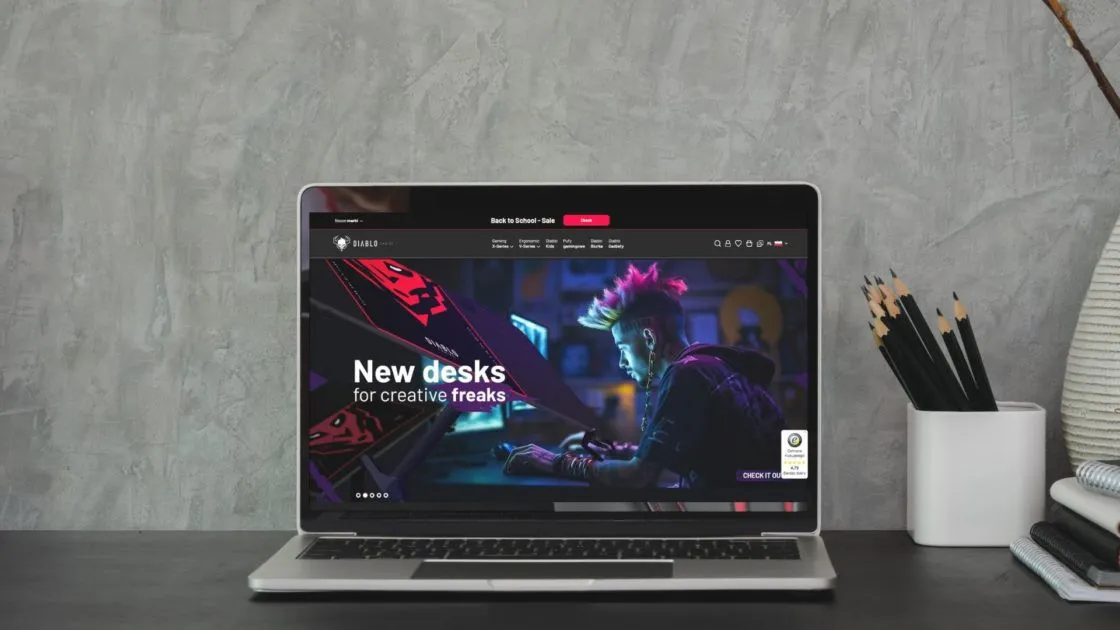
Magento multistore
Selling across several markets on one shared Magento 2 architecture
One Magento 2 instance serving cross‑border sales, separate store views and a shared checkout across further markets.
See the Diablo Chairs case study
Magento 2 migration
Taking a project over and migrating a large catalogue to Magento 2
Around 181,000 products moved from CS Store, visibility in search protected, and B2C and B2B sales launched on one platform.
See the SklepBaterie.pl case study
Magento B2B
A B2B platform for a distributor, with its own commercial terms
Selling to trade partners on Magento 2: user roles, pricing terms and an order process different from the retail store's.
See the Hulajnogi Micro case study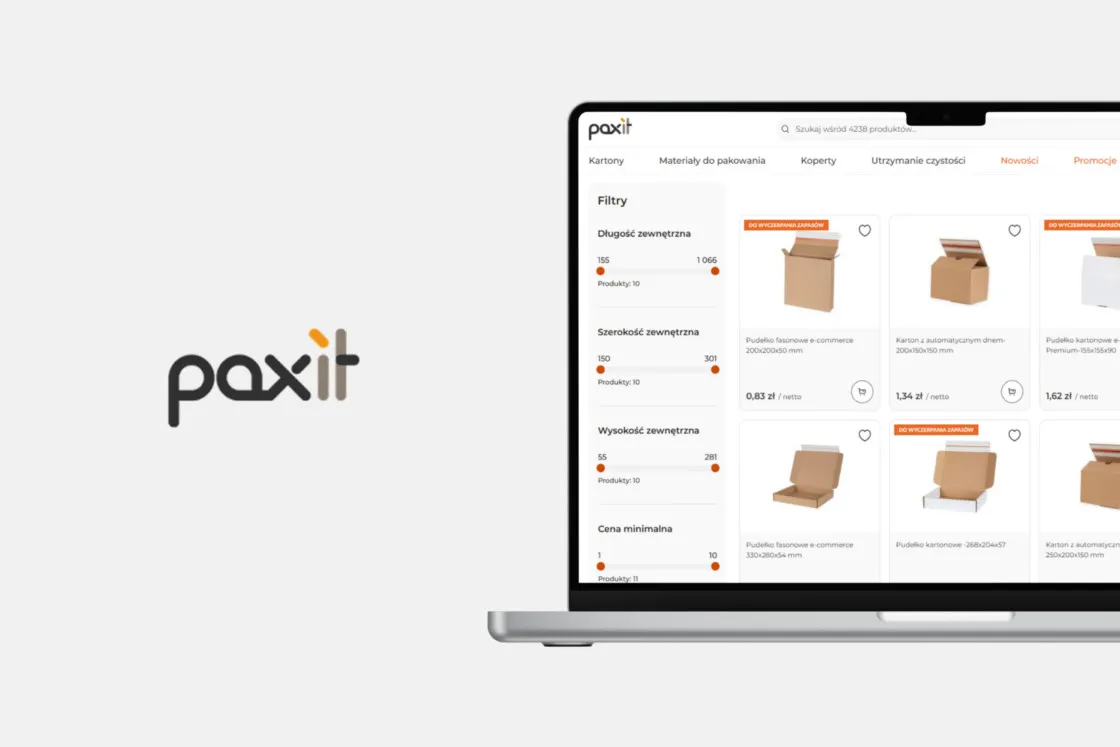
B2B and B2C on Magento 2
Paxit: a new Magento 2 platform for B2B and B2C sales
An enquiry about looking after an inherited store, a diagnosis of its limits, and a new platform built for a packaging manufacturer.
See the Paxit case study
Magento 2 development
Developing a live Magento 2 store further
Development and maintenance work carried out on a platform that is already selling — without stopping sales while the changes ship.
See the Krosno case studyFAQ – Magento 2 knowledge
The centre has a clear scope and clear rules for keeping it current.
Every article in the centre names its author, the publication date, the date it was last verified and its reading time, and ends with a list of sources.
Browse the articlesWith the “Magento 2 from the ground up” path at the top of this page. The first step explains what the platform is and which processes it serves; the third and fourth take you into the open demo, where you can walk the storefront and the admin panel yourself. Costs and how a build runs are worth reading after that.
Magento 2 is an e‑commerce platform on which a store is built along with its catalogue, prices, cart, orders and integrations with the company's systems. It fits complex catalogues, B2C and B2B sales on one instance, and serving several markets. The full explanation is in Magento 2 – what it is and what it is for.
They are two lines of the same platform. Magento Open Source is free and holds the core of a store's features. Adobe Commerce is commercial and adds, among other things, the B2B extension, marketing tools and vendor support. The differences are set out in the article's section on the platform versions.
Yes. We run an open Magento 2 demo — a storefront and an admin panel, with no account and no contact with us. The login details are on that page, and the environment resets every 6 hours.
Yes. In standard Magento Open Source, B2B selling rests on customer groups, price rules and the store view configuration; the B2B extension is part of Adobe Commerce. The scope of such a project is described under a B2B build on Magento 2, and a live B2B platform is shown by the Hulajnogi Micro case study further down this page. How a manufacturer combines B2B with its own D2C store on one platform is covered in the article Magento 2 for manufacturers.
Yes, and it is one of the platform's stronger points. One instance serves several websites, stores and store views, and with them separate languages, currencies, taxes and catalogues. What that looks like in practice is shown by the Diablo Chairs case study.
Adobe publishes security patch releases several times a year, and new version lines less often. Security patches go in as they come; moving to a new version line is a project of its own, because it touches modules and custom work. The rhythm is agreed with the maintenance scope rather than fixed once and for all.
In the Adobe Experience League documentation (opens in a new tab). The old devdocs.magento.com address is dead and is not worth citing — Adobe moved the whole of the Commerce documentation to Experience League.
Yes. A guide to the admin panel, with examples from the catalogue, orders, customers, price rules and CMS content, is on the Magento 2 demo page, where you can also try the panel yourself.
The centre is for people accountable for choosing, implementing, maintaining or growing an e‑commerce platform. The material is meant to show the business consequences CEOs and E‑commerce Managers need, and the technical context IT teams need.
The centre gathers ordered material about Magento 2 that is meant to be grown and kept current. The Aurora Creation blog (opens in a new tab) is the place for commentary, events, current changes and content about the company itself.
Yes. Where the difference between platform variants changes the answer, the article describes them separately, usually in a table comparing Magento Open Source and Adobe Commerce.
No. They help you understand the dependencies and prepare your questions. The scope of a specific project still depends on the sales model, the quality of the data, the integrations, the current code and how the team works.
Every article carries the date it was last verified and the name of its author. We re-check the copy whenever something changes that would change the answer, and move the date to the day of that review.
The scope of implementation, migration, maintenance and growth is on the Magento 2 services page. The knowledge centre remains the educational part of the site.
Do you have a question about Magento 2 for your own company?
In a conversation we can tie the subject to your sales model, your integrations and the current state of your platform. If the answer needs an audit or more data, we will agree on that before preparing a scope.